Introduction
Overall, I'll be setting up Proxmox. I watched a cool tutorial on YouTube for people who are just starting with Proxmox. The guy showed two types of virtual machines. One is a regular VM, which is fully emulated, has its own kernel, storage, etc. The second type is a Linux Container (LXC), which differs from a VM in that it shares the kernel and components with the host (Proxmox). This makes it simpler and faster to launch, but it's less secure and has some restrictions on syscalls. You can't install other operating systems on it either (since it shares the kernel).
I think the best solution for starting my adventure with this thing is to go with regular virtual machines, possibly with Docker on board for better organization and management of available computing power and RAM.
Goals
I've set six goals for myself:
- Create a VM with Ubuntu Server and run Docker with my website on it
- Configure DDNS for my home network
- Connect my domain to my portfolio hosted on this VM
- Run daily backups
- Set up vaultwarden and OpenVPN on subsequent VMs/containers
- Set up Immich
Installing Proxmox
Damn...
After installing Proxmox with a friend, we decided to format the second disk /dev/sda and create a new thinpool for VMs. First, I connected this disk to LVM, we changed our minds, and while destroying the disk from the LVM disk list... it took a long time, so I decided to do a quick reboot, thinking it just got stuck. Now, when I try to create a new thinpool, I get a bcache error....
root@proxmox:~# lsblk
NAME               MAJ:MIN RM  SIZE RO TYPE MOUNTPOINTS
sda                  8:0    0    0B  0 disk
sdb                  8:16   0 29.8G  0 disk
├─sdb1               8:17   0 1007K  0 part
├─sdb2               8:18   0  512M  0 part
└─sdb3               8:19   0 28.5G  0 part
  ├─pve-swap       252:0    0  3.5G  0 lvm  [SWAP]
  ├─pve-root       252:1    0 12.5G  0 lvm  /
  ├─pve-data_tmeta 252:2    0    1G  0 lvm
  │ └─pve-data     252:4    0 10.5G  0 lvm
  └─pve-data_tdata 252:3    0 10.5G  0 lvm
    └─pve-data     252:4    0 10.5G  0 lvm
root@proxmox:~#
Overall, the disk should have 120 GB, lol
First, I'll remove the LVM configuration for this disk and remove it from all device mappers. Tactical reboot and let's see what's next.
It doesn't boot, xddd. I reinstalled Proxmox, but during installation, I already noticed that this 120-gig disk doesn't show up. I'll check if there are any disk repair tools.
Okay, tactical System Rescue and let's go.
I give up. The disk is nowhere to be found. I'll take a new one, connect it, and that's it :(
Okay, I've got a 750 GB disk, connected it, and it works. Note to self: don't interrupt the disk creation process in Proxmox 😅.
Since I don't have space in the router cabinet, and I want to download and configure the network card drivers on USB (TP-Link), I connected the PC to my laptop. On the laptop, I set the eth interface to "Shared" in nmtui, and now the laptop works as a router, and I have internet on Proxmox via cable. I'm downloading drivers and getting started with Immich.
Setting up Immich
I started by creating a lightweight machine specifically for Docker, because that's what I'll use to set up Immich (no other option in my case).
bash -c "$(curl -fsSL https://raw.githubusercontent.com/community-scripts/ProxmoxVE/main/ct/docker.sh)"
This command creates a container. The script is very intuitive. I didn't set up Portainer and exposed all ports :D
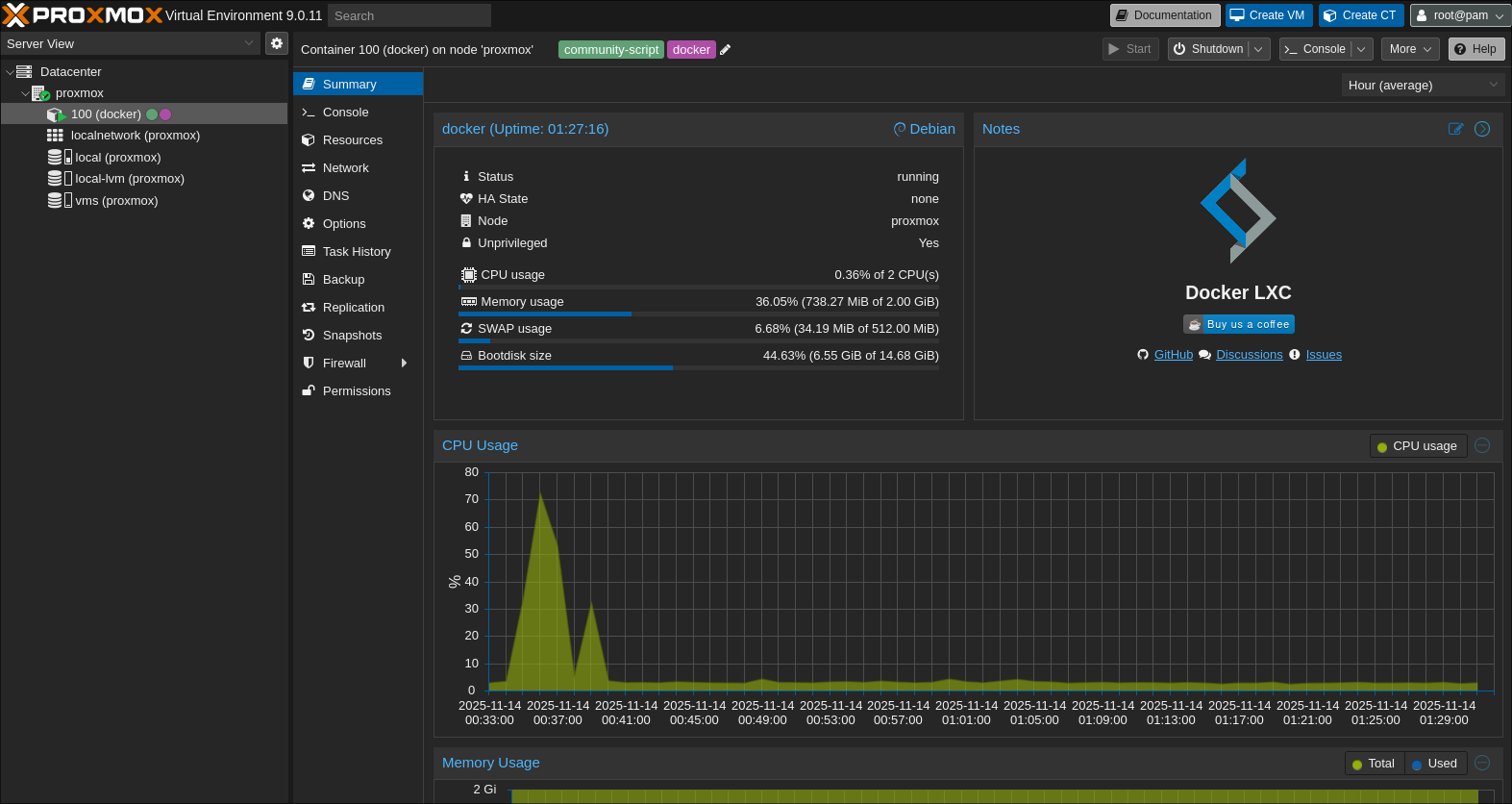
After entering the VM with this command:
pct enter 100
I follow the instructions in the Immich documentation.
- I create a folder where
docker-compose.ymland.envfiles will be:
mkdir ./immich-app
cd ./immich-app
- I download the files:
wget -O docker-compose.yml https://github.com/immich-app/immich/releases/latest/download/docker-compose.yml
wget -O .env https://github.com/immich-app/immich/releases/latest/download/example.env
- I configure
.env.
Since I divided this 750-gig disk into 2 partitions:
- The first one has 250 G and is the storage partition for Immich.
- The second one has 100 G and is for the VM on Proxmox.
The rest is unallocated, because I don't need more for now.
So, I'll map this first partition to the FS of this VM and use this space for file storage and Postgres :D
HA! I couldn't create the
/mnt/immich-storage/libraryand.../postgresfolders. It turns out that unprivileged LXC containers use UID/GID mapping for security reasons - the root user (UID 0) in the container is actually mapped to UID 100000 on the host. When mounting a directory by binding, the container sees the host's UID/GID values, but can only access them if the mapping is consistent.
# on Proxmox
chown -R 100000:100000 /mnt/immich-storage/
chmod -R 755 /mnt/immich-storage/
- I start Docker.
Oops. I forgot that Docker also needs disk space to have containers, hahah.
# on Proxmox
pct resize 100 rootfs +11G
And now I have 15 G.
When trying to run the Immich container, I got an error with containerd.io (version 2.x.x) related to ip_unprivileged_port_start and AppArmor. The problem turned out to be a fresh bug in Proxmox 9.0. The solution was to downgrade containerd, but before I could do anything, I had to fix internet access in LXC first.
The container doesn't have internet access, despite being able to ping from the laptop.
The problem was with the routing configuration - I'm using WiFi on Proxmox instead of an Ethernet cable, so I had to configure proxy ARP with SNAT and add the appropriate iptables FORWARD rules. After adding a specific route for the container's IP (ip route add 192.168.1.100/32 dev vmbr0), everything worked. Docker started, Immich launched, and it's available at http://192.168.1.100:2283...
Well, almost. It turned out that from the container itself and Proxmox, Immich responds (404 is a normal response to /), but from the laptop in the home network - silence. Docker in LXC with proxy ARP + SNAT + routed WiFi network didn't want to pass TCP traffic on port 2283 from the outside, despite ping working flawlessly. I tried various combinations of iptables FORWARD rules, network_mode: host (which broke DNS between Docker containers - immich-server couldn't find redis or database), and binding to 0.0.0.0:2283 - nothing worked. The packets didn't even reach vmbr0.
Finally, I did port forwarding on Proxmox from the host IP (192.168.1.10) to the container (192.168.1.100):
iptables -t nat -A PREROUTING -d 192.168.1.10 -p tcp --dport 2283 -j DNAT --to 192.168.1.100:2283
iptables -A FORWARD -p tcp -d 192.168.1.100 --dport 2283 -m state --state NEW,ESTABLISHED,RELATED -j ACCEPT
And now Immich is available at http://192.168.1.10:2283/ from any device in the home network. It's not an ideal solution (I'd prefer a dedicated IP for the container), but it works stably, and that's the most important thing.
FUCK! And what was all this crap for???
The phone had the IP
192.168.1.100the whole time
FUCK!!!!